Use your preferred browser (Chrome, Safari, Edge etc.) to navigate to the DIGI-FACE homepage (digiface.org).
In the top right hand corner of the screen you’ll see a button giving you the option to Log in or Register.

Click on this button to go to the User Account page where you will be able to log in.
Simply enter the Username you received upon registration as well as the unique Password you created for yourself before clicking on Log in.
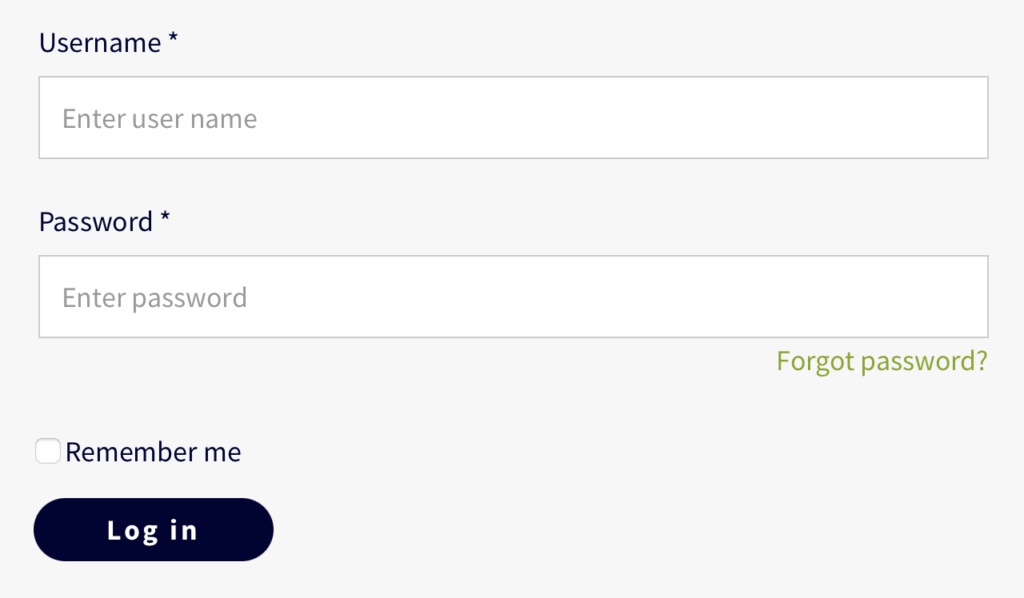
If you check the Remember me box the system will automatically save your Username for any future login attempts.
Once successfully logged in you will notice a change to the top navigation bar. The button in the top right hand corner will now show you a Log Out button.